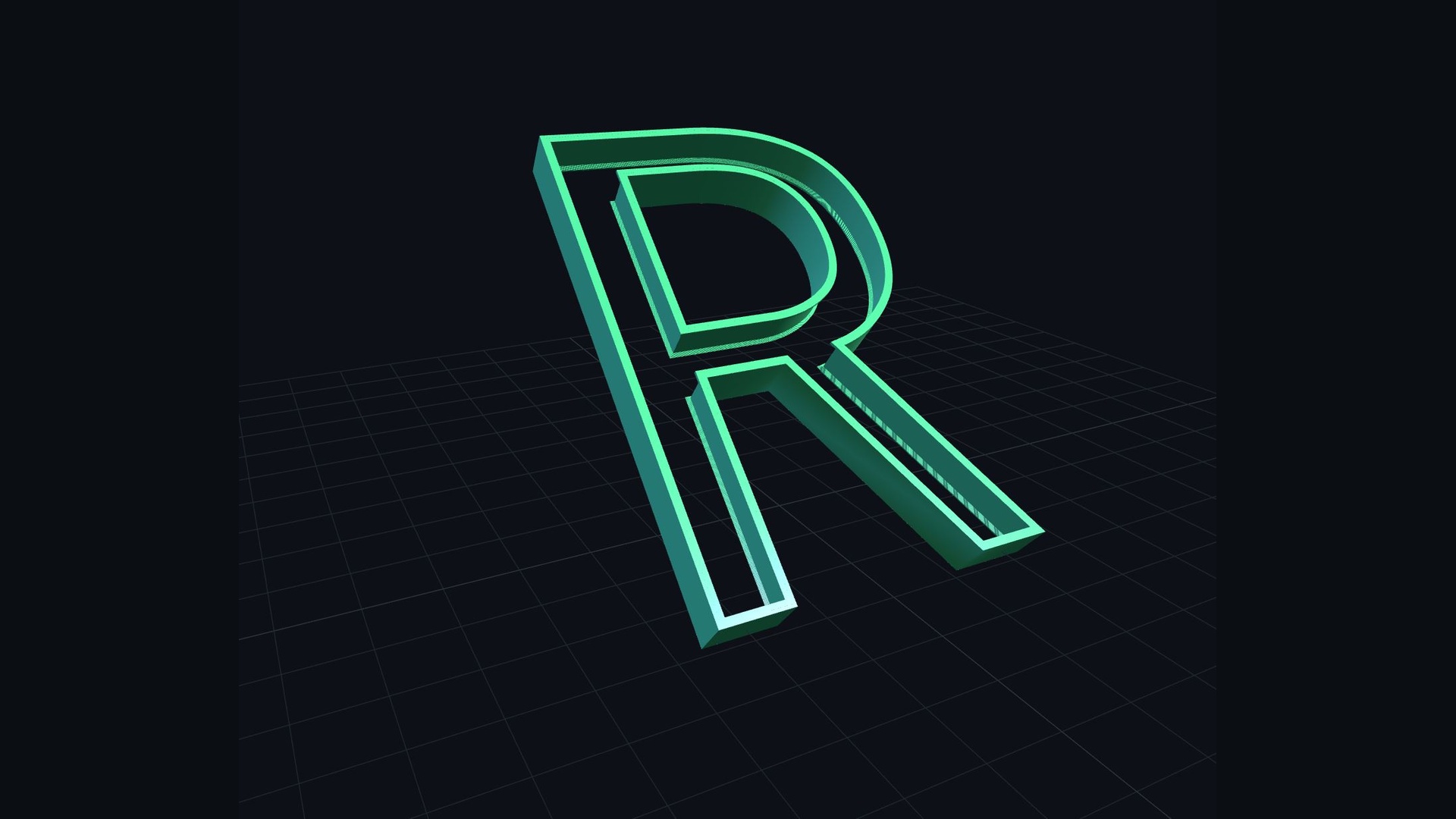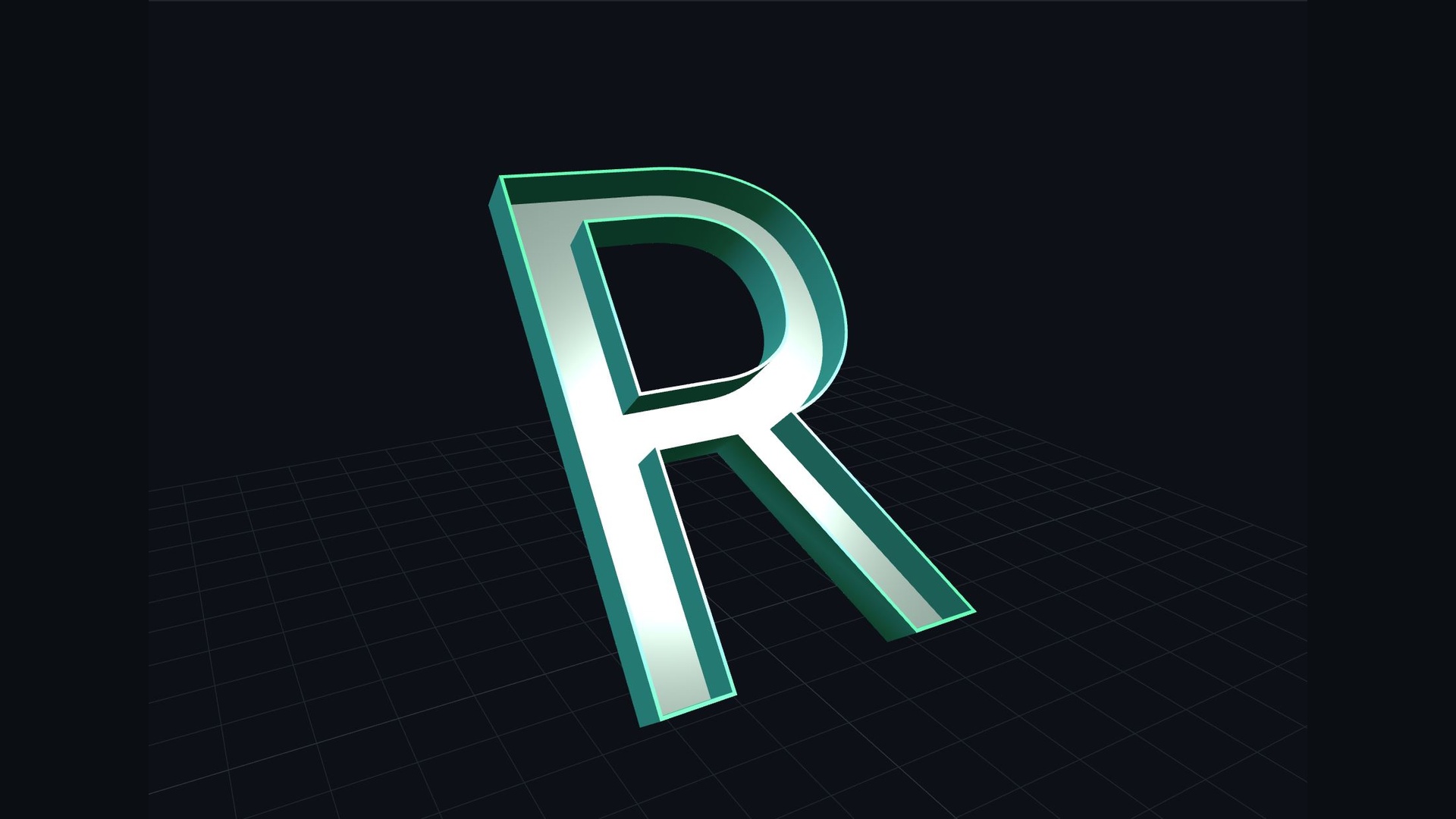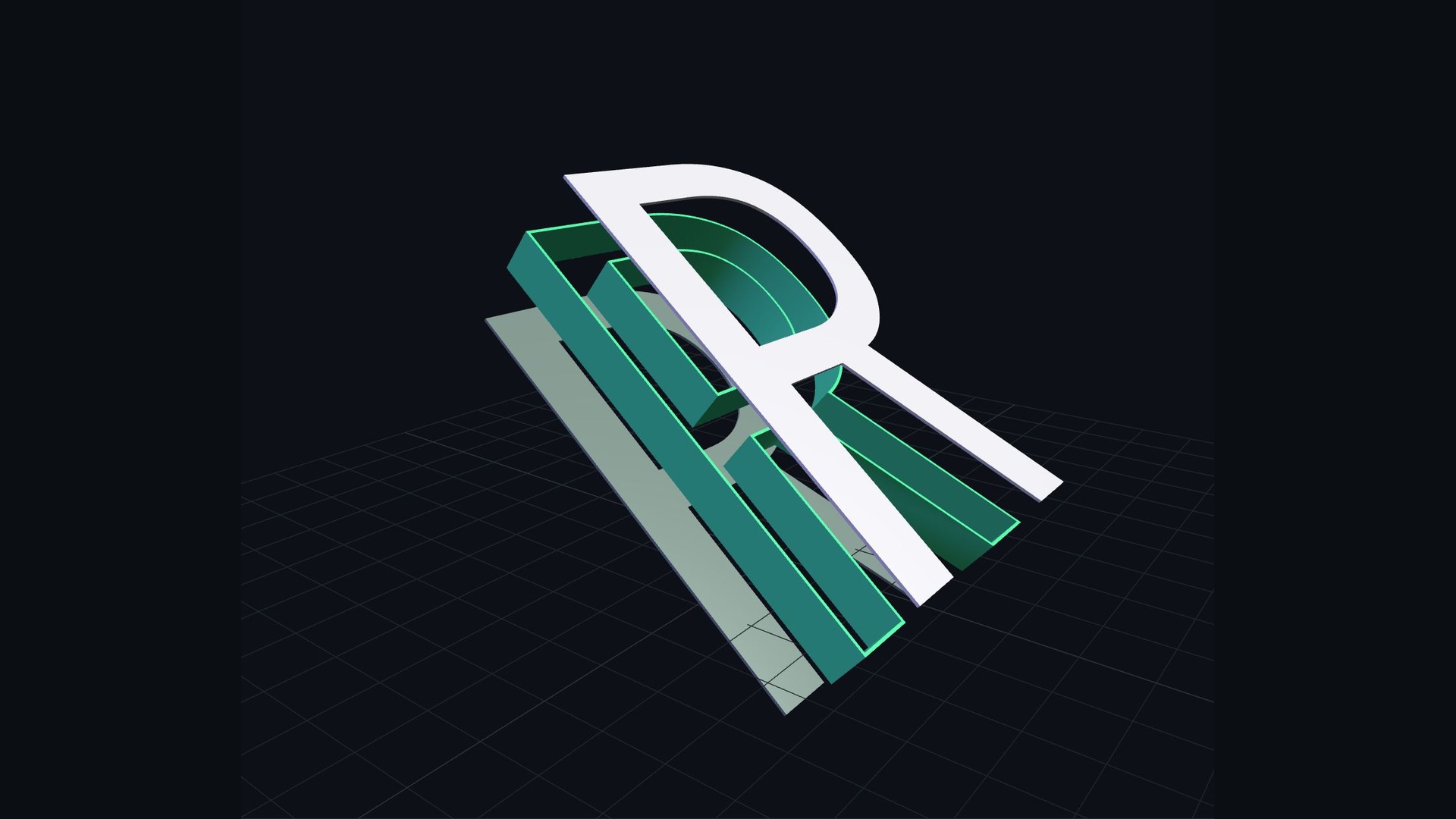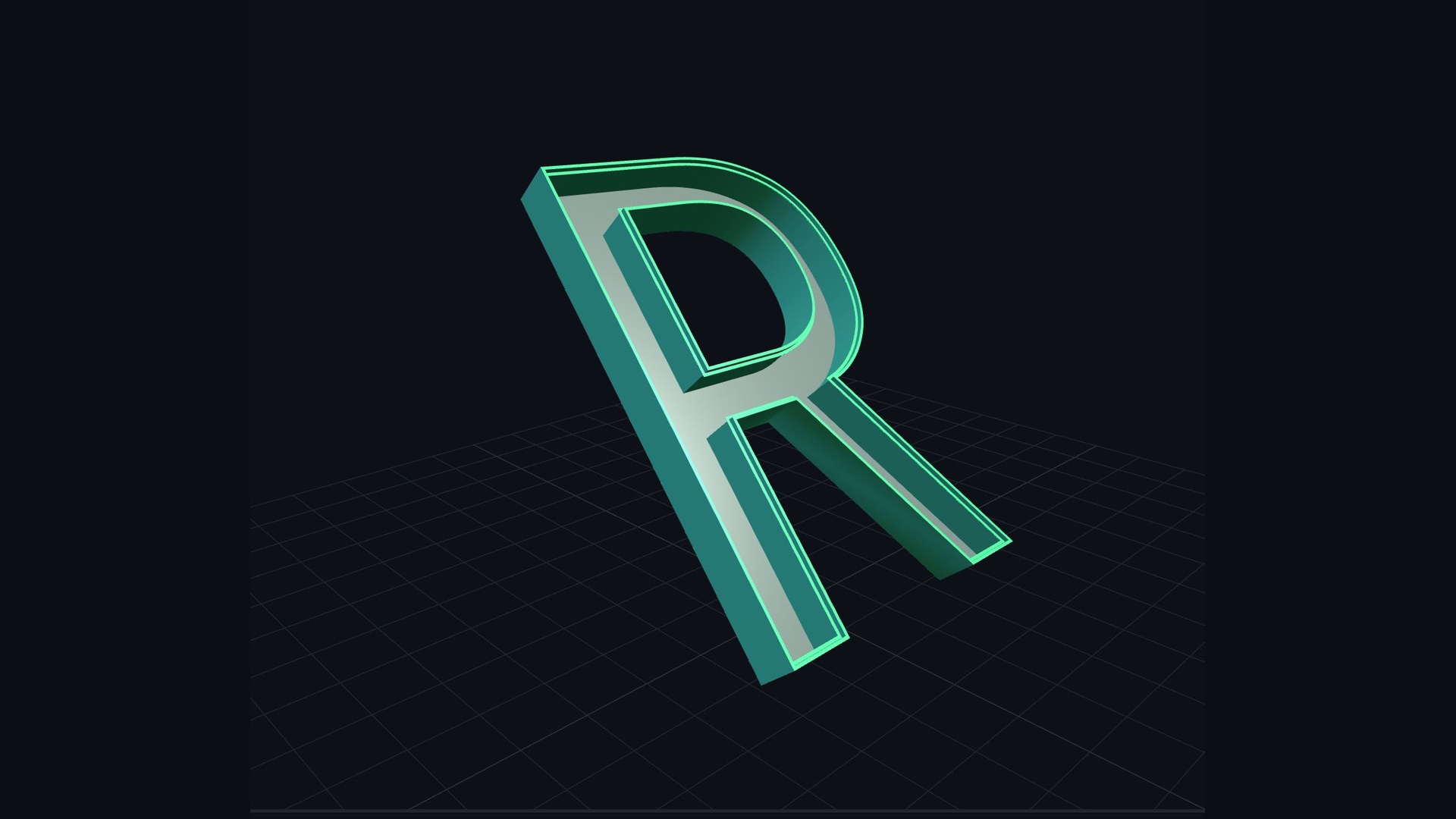
把文字与图形
变成立体字壳
Turn Text & Shapes into
3D Shell Letters

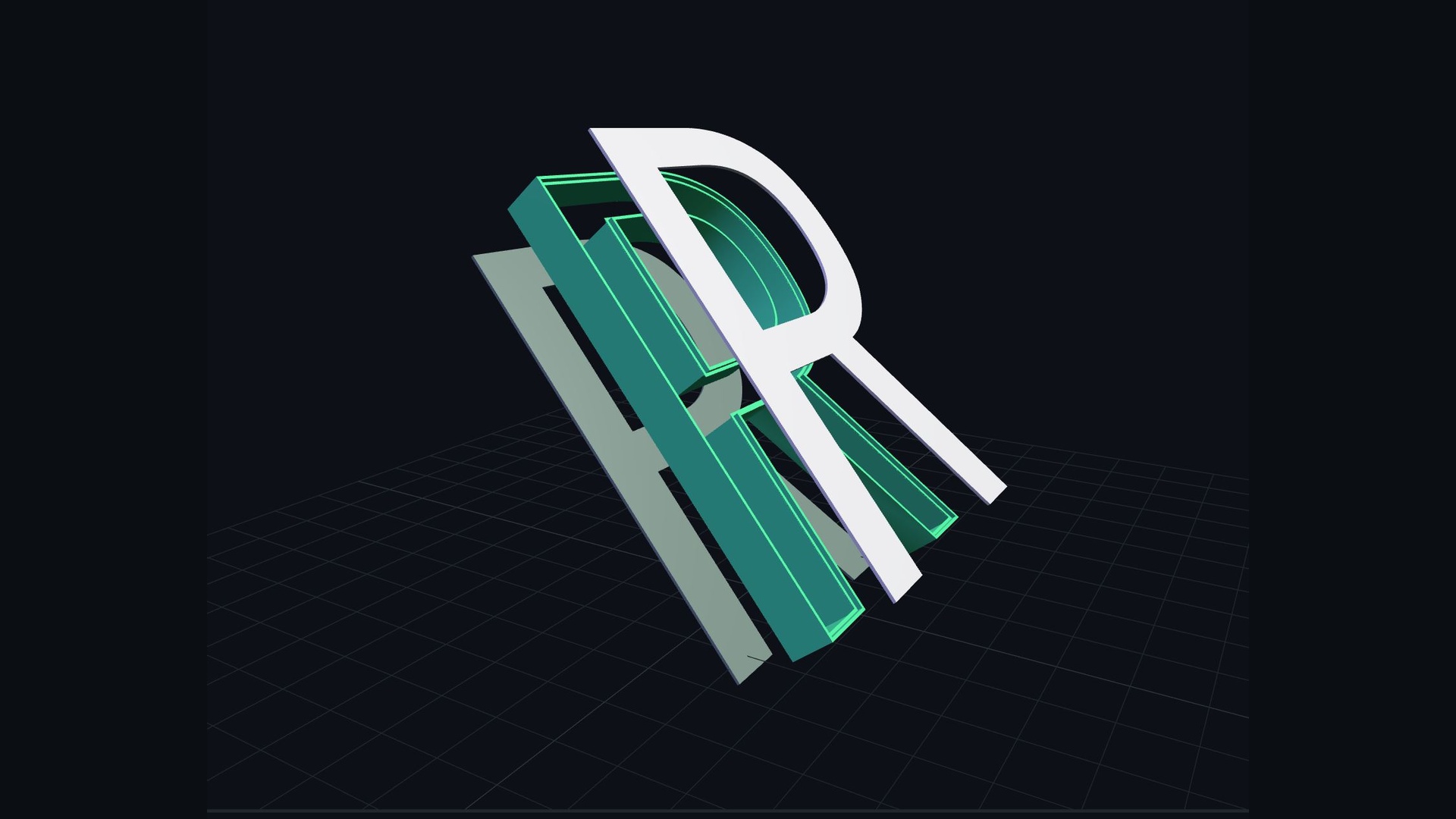
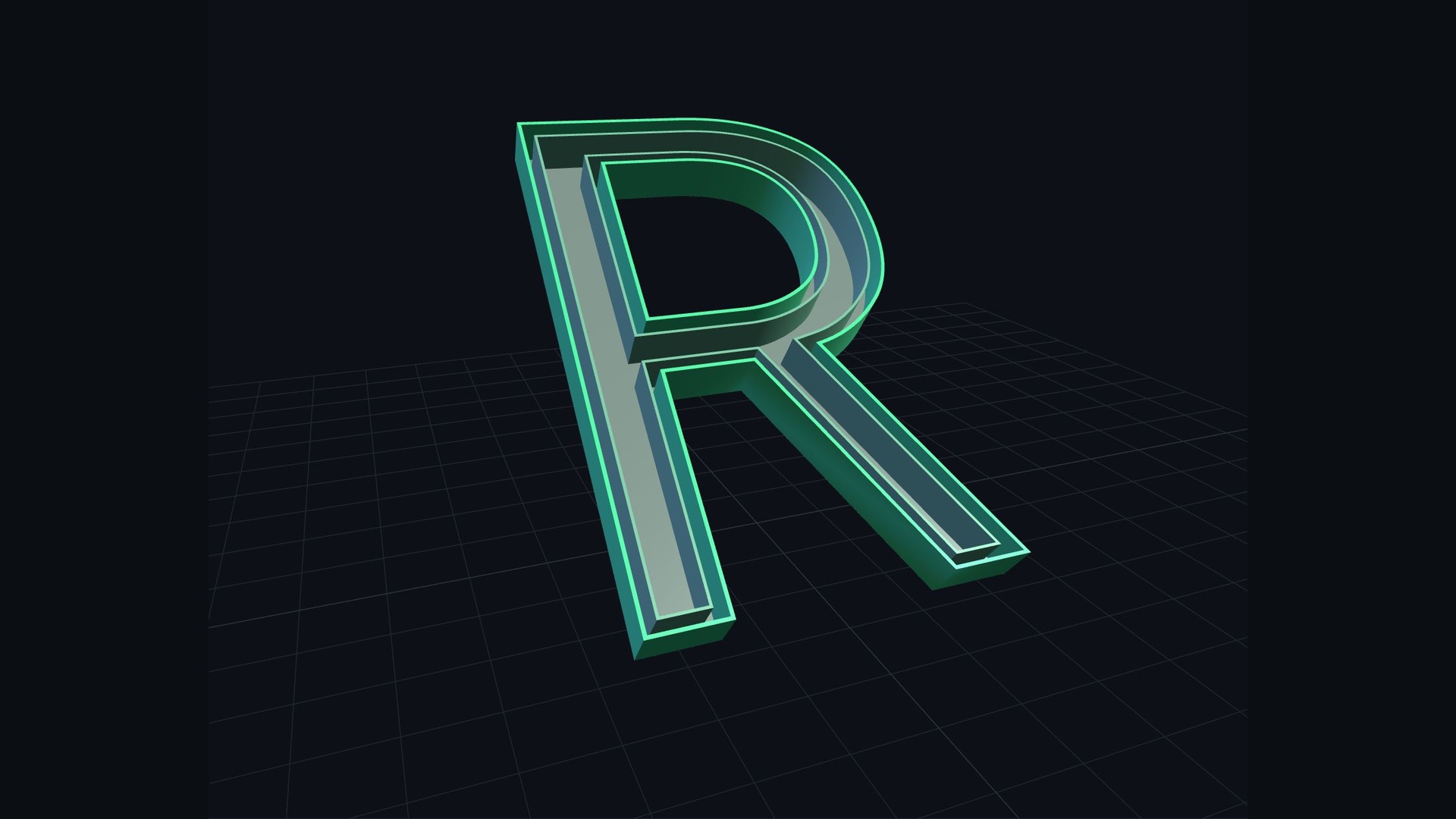
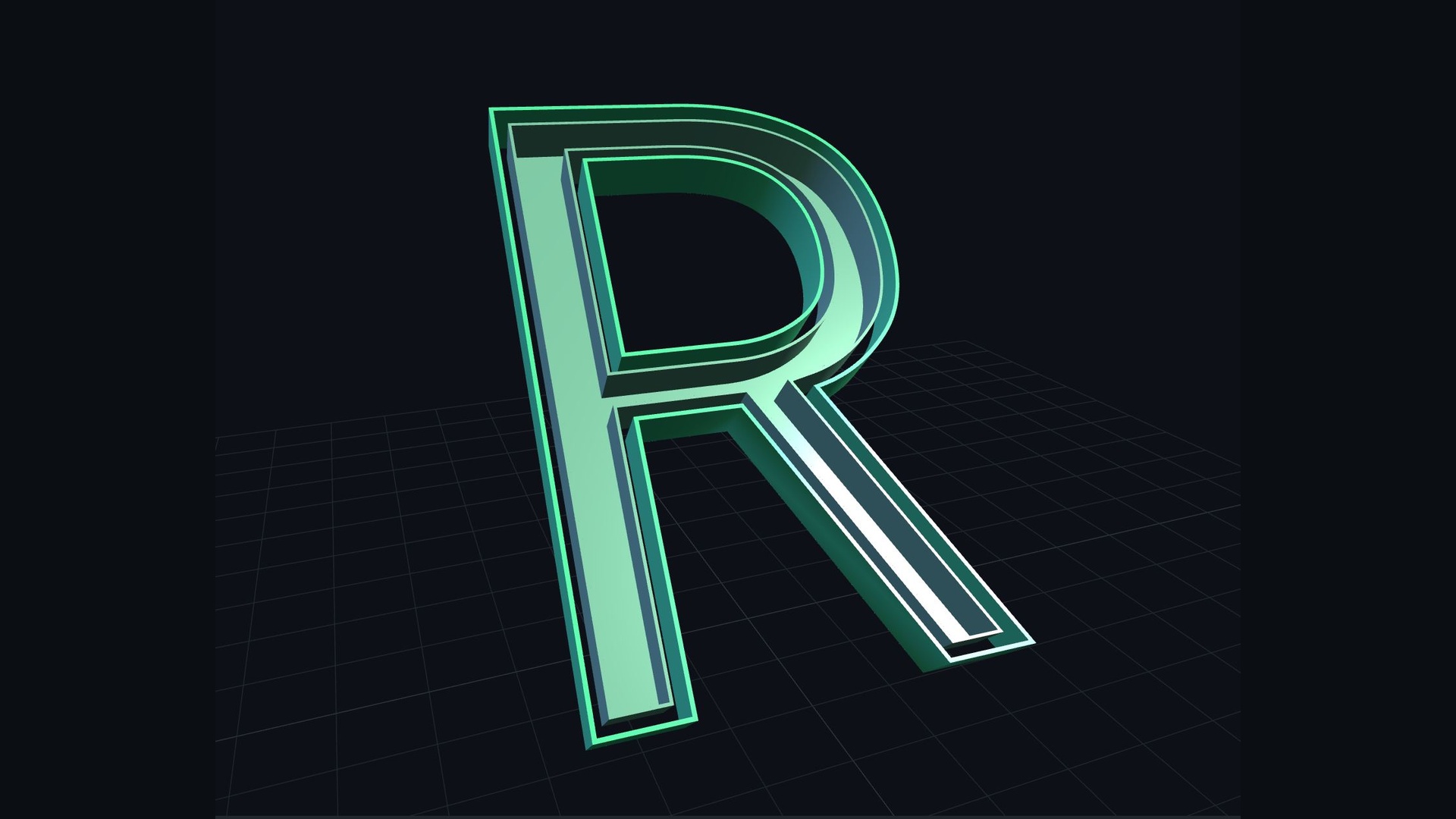
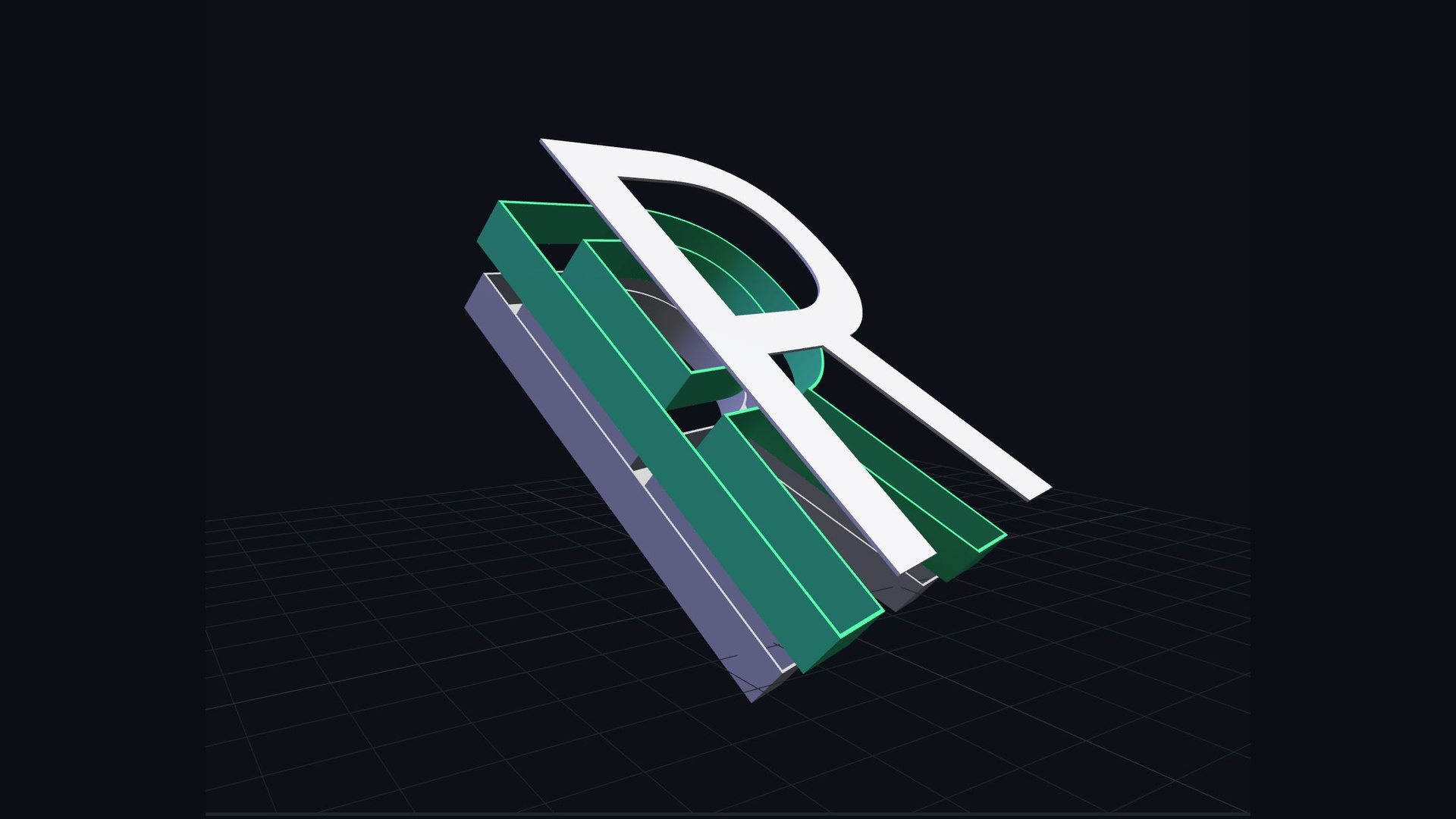
导入 SVG 或输入文字,一键生成可 3D 打印的立体字壳模型,支持壁厚、包边、底板、卡槽等精细参数调节。Import SVG or type text to generate 3D-printable shell letters with fine control over wall thickness, edge wrapping, base and grooves.

开始使用 Letshell3DStart with Letshell3D
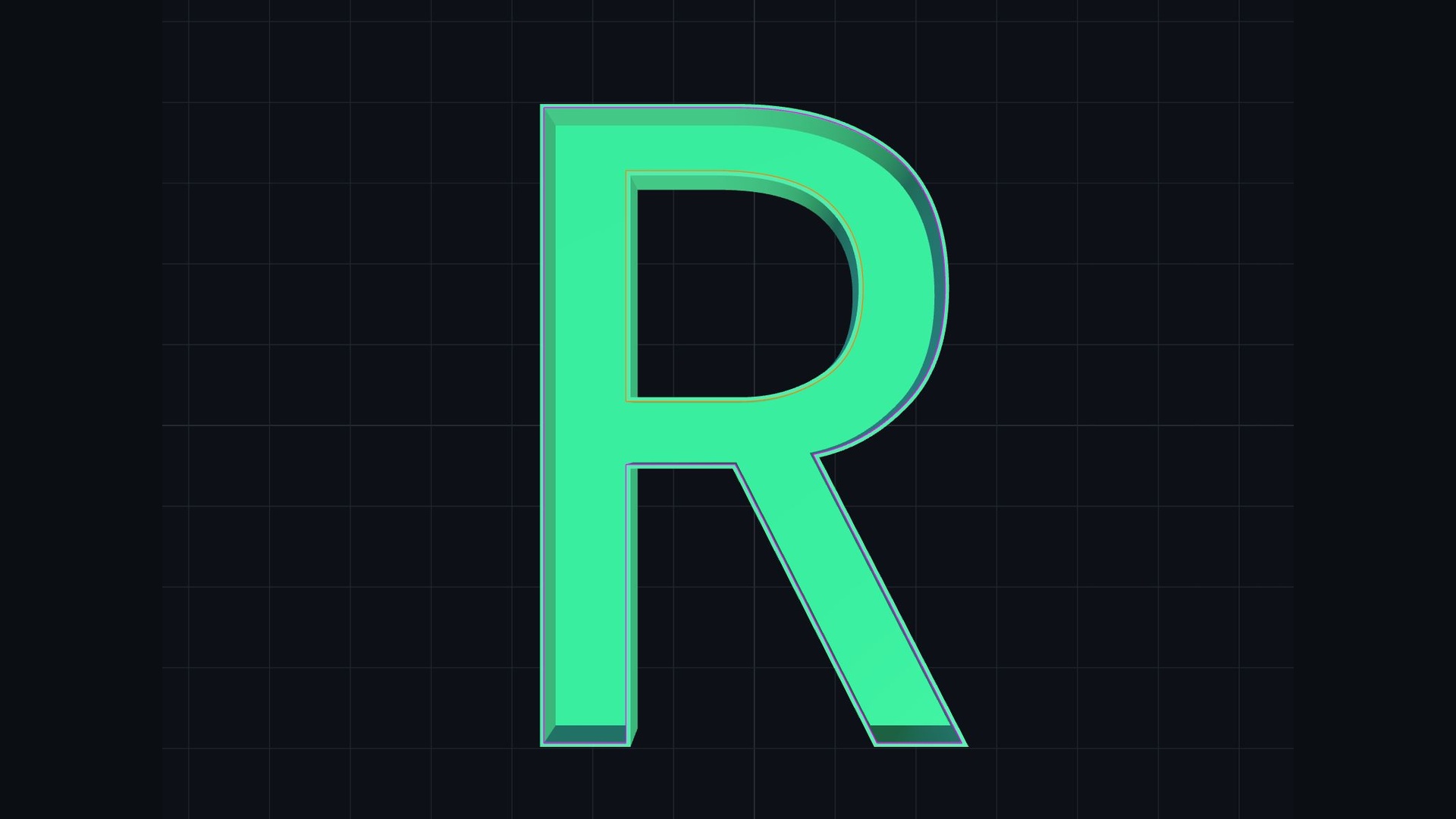
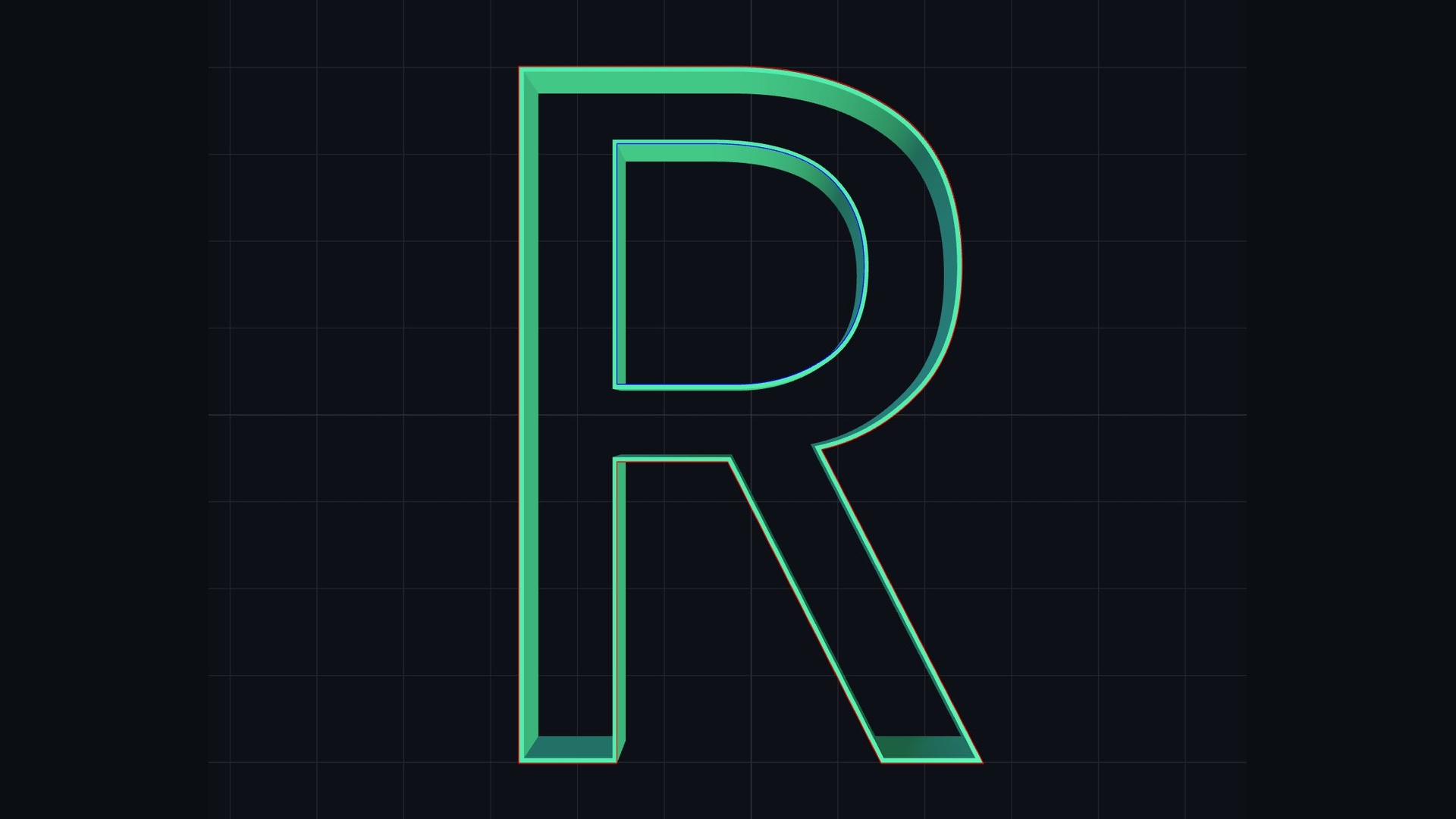
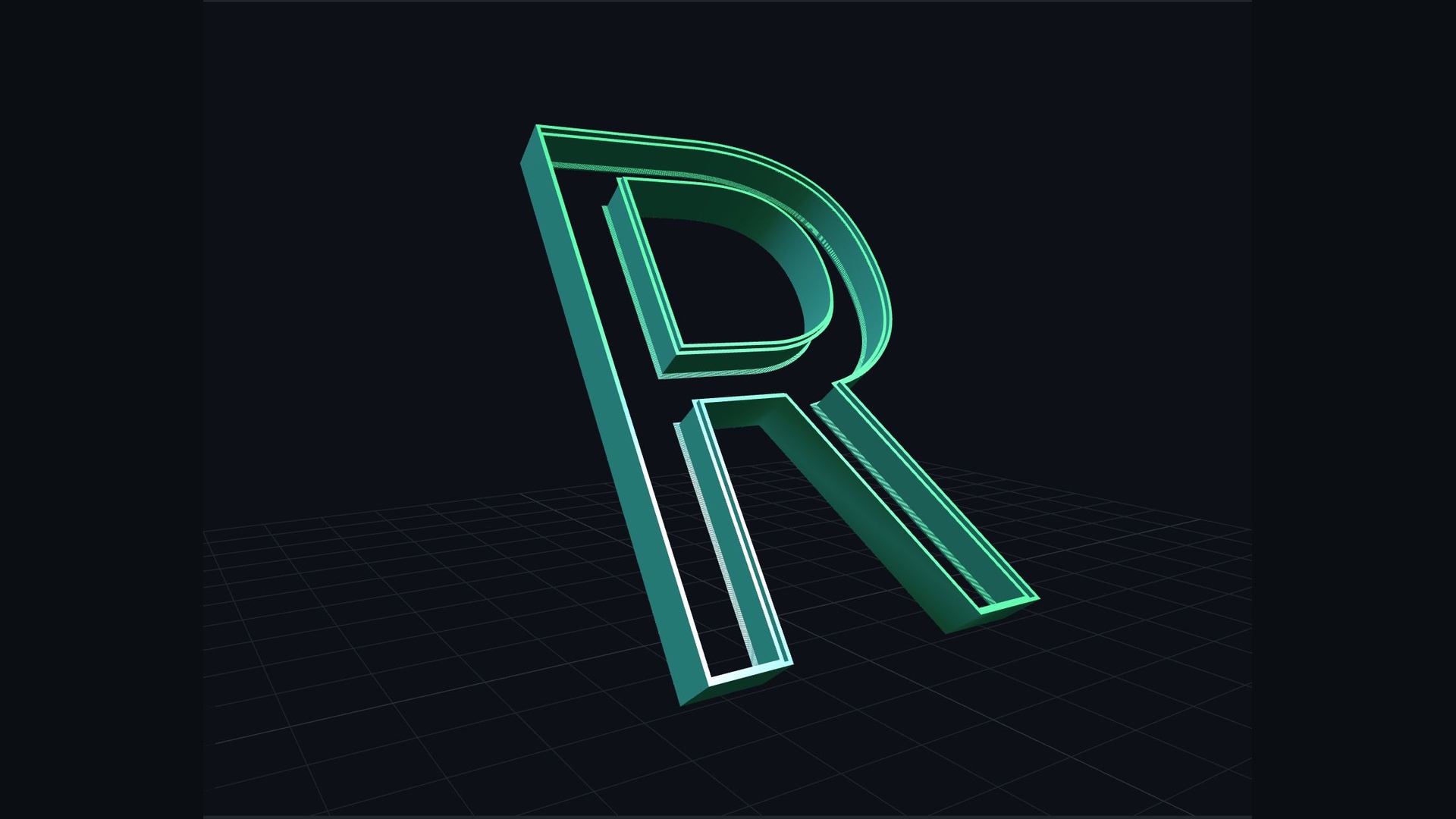
Letshell3D 立体字壳生成效果 Letshell3D 3D shell letters preview

快速上手 · 5 步搞定Quick Start · 5 Steps

从准备素材到导出成品,全程只需几分钟From source files to final export in just a few minutes

1

准备 SVG 文字 / 图形Prepare SVG Text / Shapes

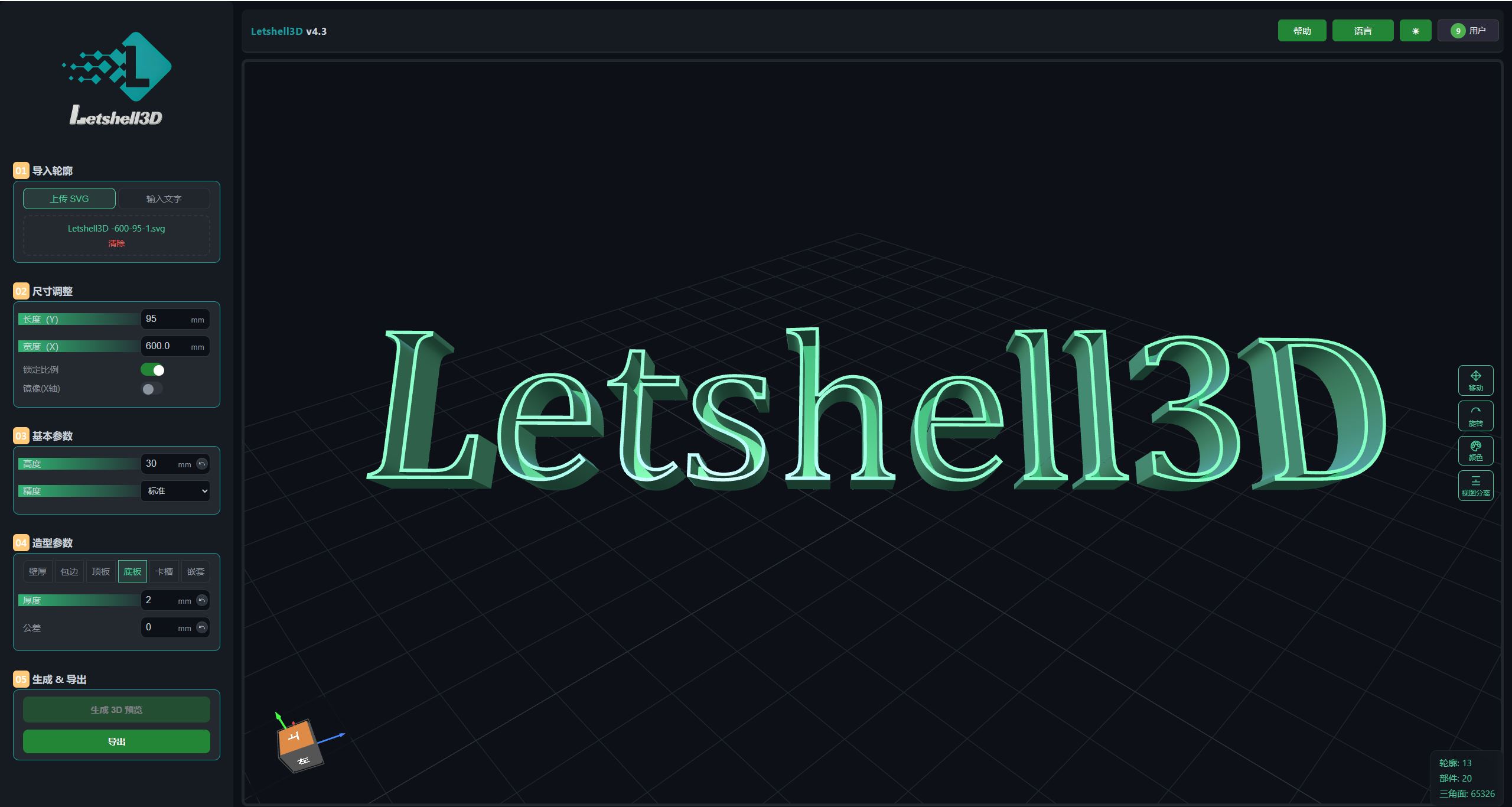
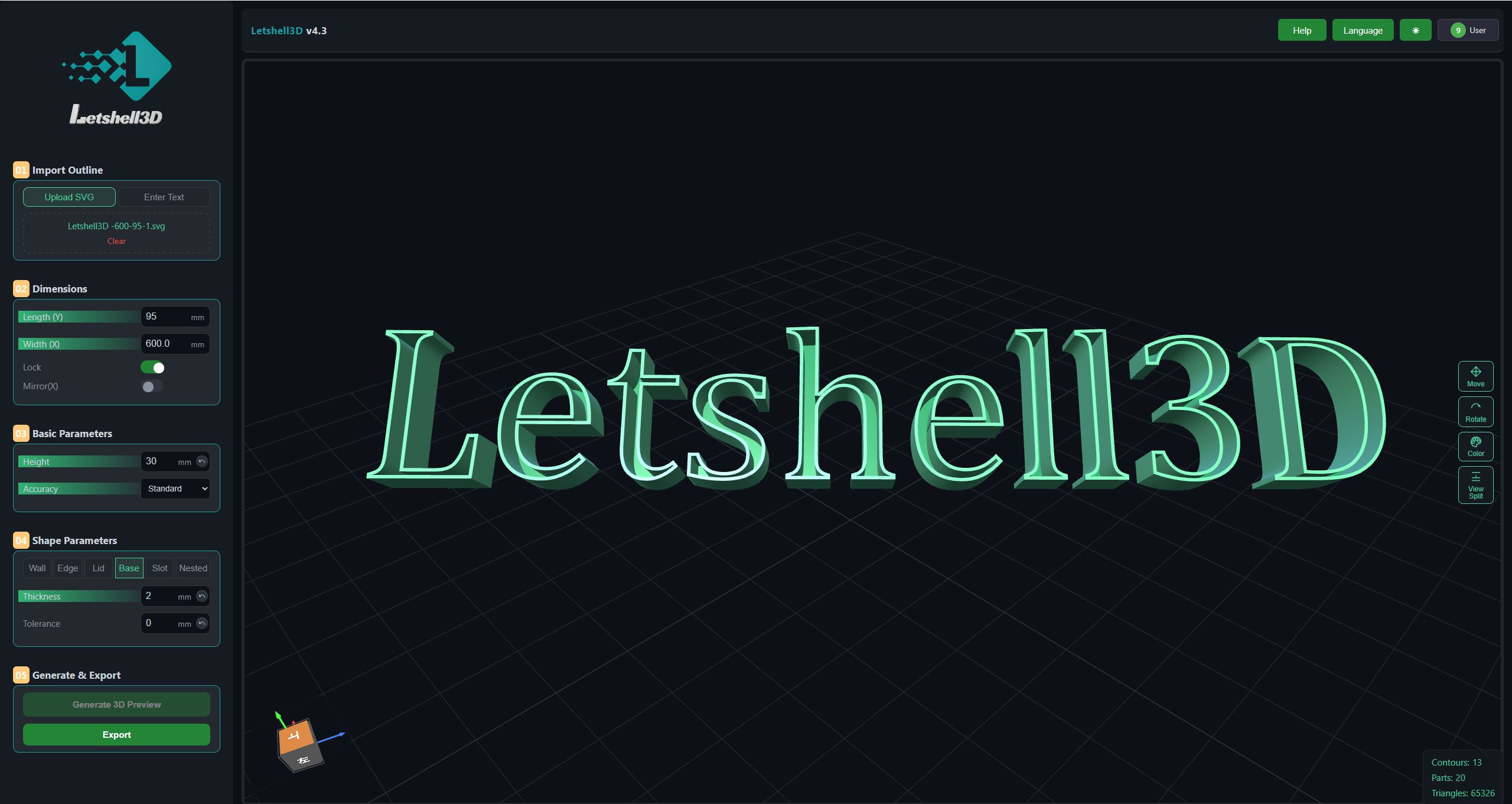
使用矢量软件导出单色 SVG 文件,或直接在生成器内输入文字,作为字壳轮廓来源。Export a single-color SVG from your vector editor, or type text directly in the generator as the outline source.
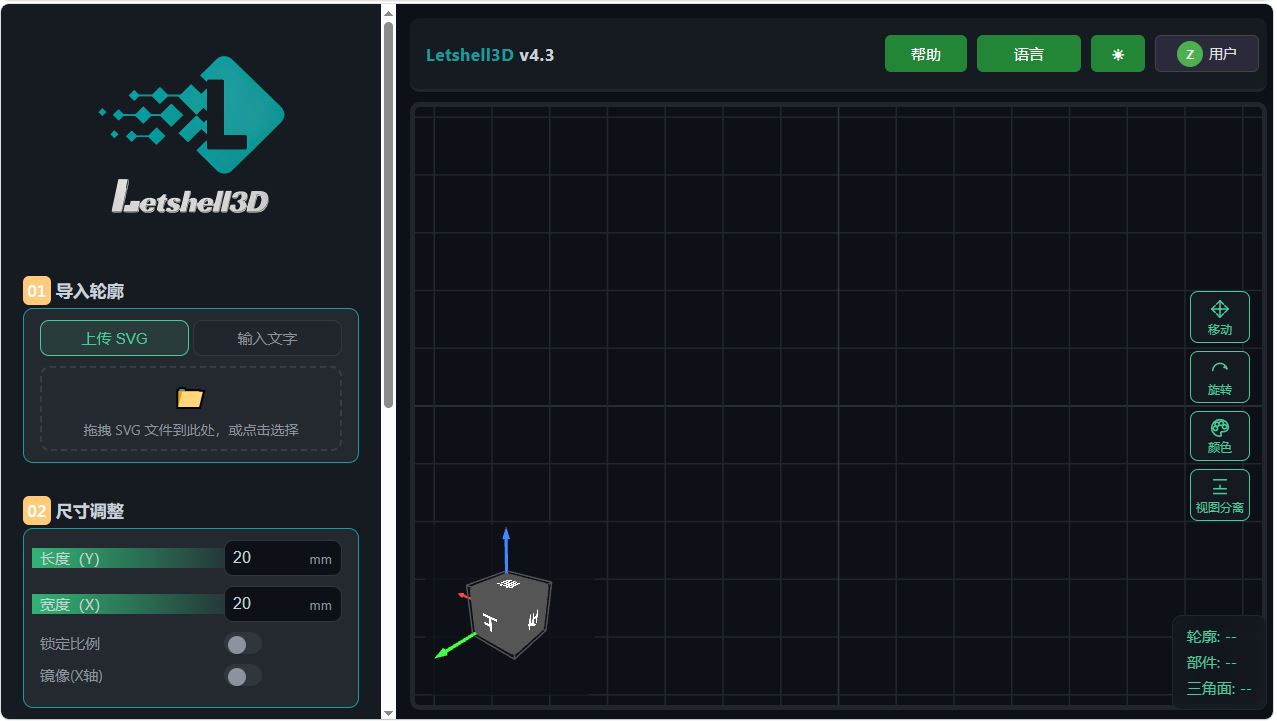
Letshell3D main interface
2

导入并生成 3D 模型Import & Generate 3D Model

上传 SVG 或输入文字后设置尺寸,点击「生成 3D 预览」即刻获得立体字壳模型。Upload your SVG or type text, set the size, then click “Generate 3D Preview” to get the shell model instantly.
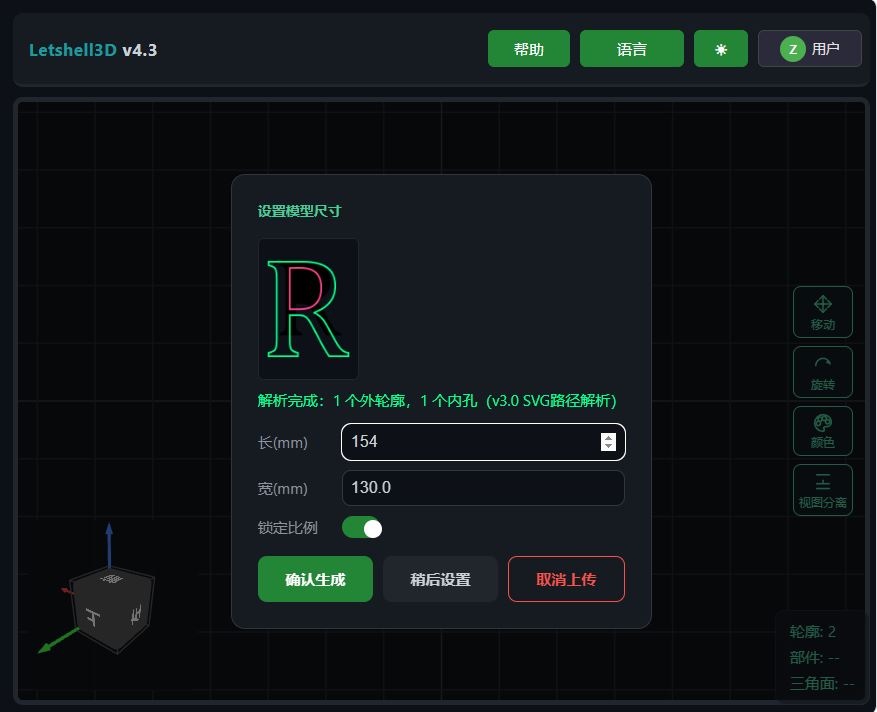
Import and size modal
3

调节壁厚 / 包边 / 底板 / 卡槽Tune Wall / Edge / Base / Groove

按需调整壁厚、包边宽度、底板厚度与卡槽等参数,实时预览效果,直到满意为止。Adjust wall thickness, edge width, base thickness and grooves with real-time preview until you are satisfied.

Parameter panel
4

预览旋转检查Rotate & Inspect Preview

在 3D 预览区自由旋转、平移、缩放,从各个角度检查字壳的细节与参数效果。Rotate, pan and zoom freely in the 3D preview to inspect every detail from all angles.
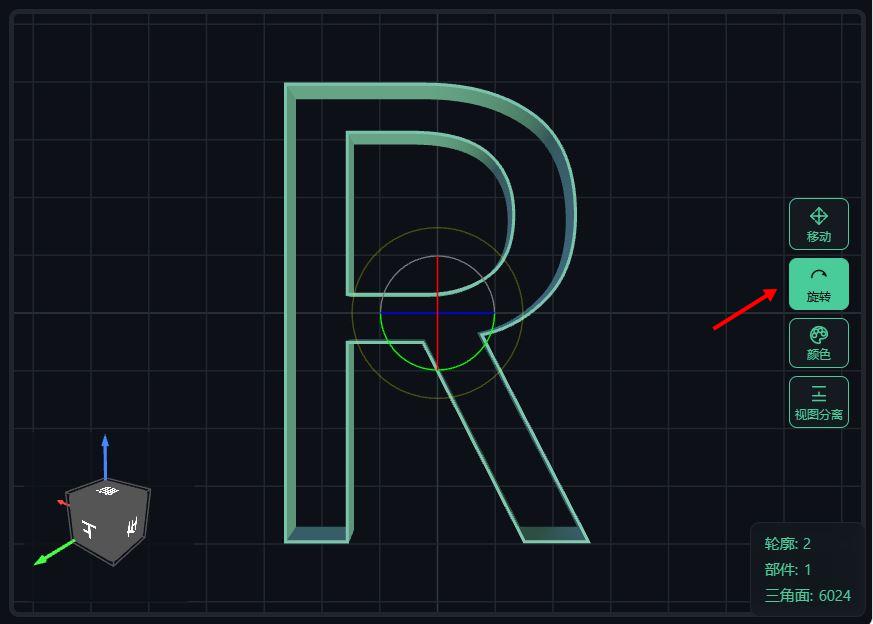
Rotate tool in preview
5

导出 STL / DXF / PDFExport STL / DXF / PDF

一键导出整体或分件 STL、外/内边线 DXF、项目 PDF,直接用于 3D 打印与激光切割。Export whole or split STL, outer/inner DXF and project PDF for 3D printing and laser cutting.

Export panel

功能组合展示Feature Combos

多种参数组合,灵活搭配壁厚 / 包边 / 底板 / 卡槽 / 嵌套Multiple parameter combos: mix and match wall / edge / base / slot / nesting
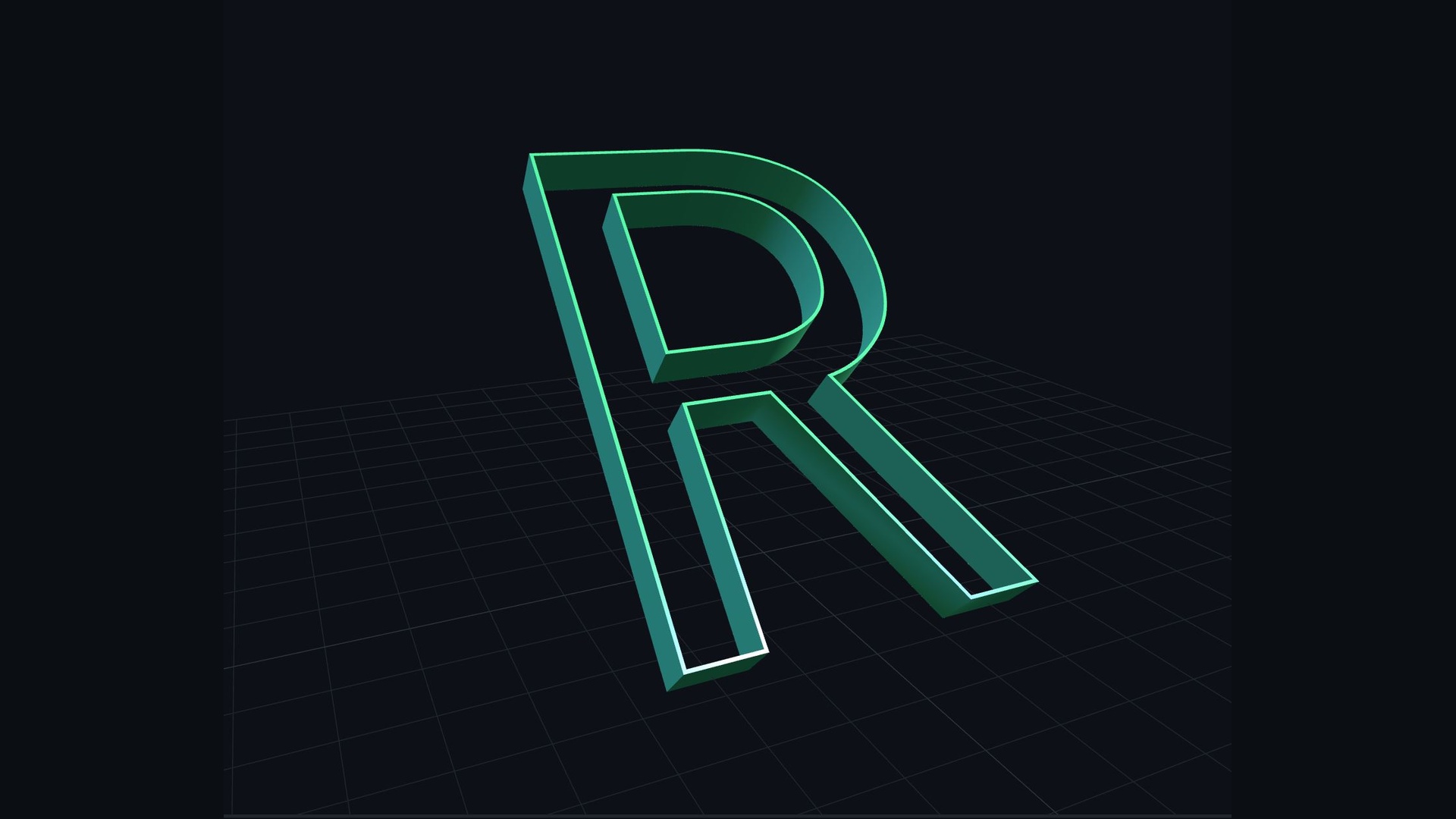
Style 1
造型1Style 1
Style 2
造型2Style 2
Style 3
造型3Style 3
Style 4
造型4Style 4
Style 5
造型5Style 5
Style 6
造型6Style 6
Style 7
造型7Style 7
Style 8
造型8Style 8
Style 9
造型9Style 9
Style 10
造型10Style 10

多路径生产Multi-path Production

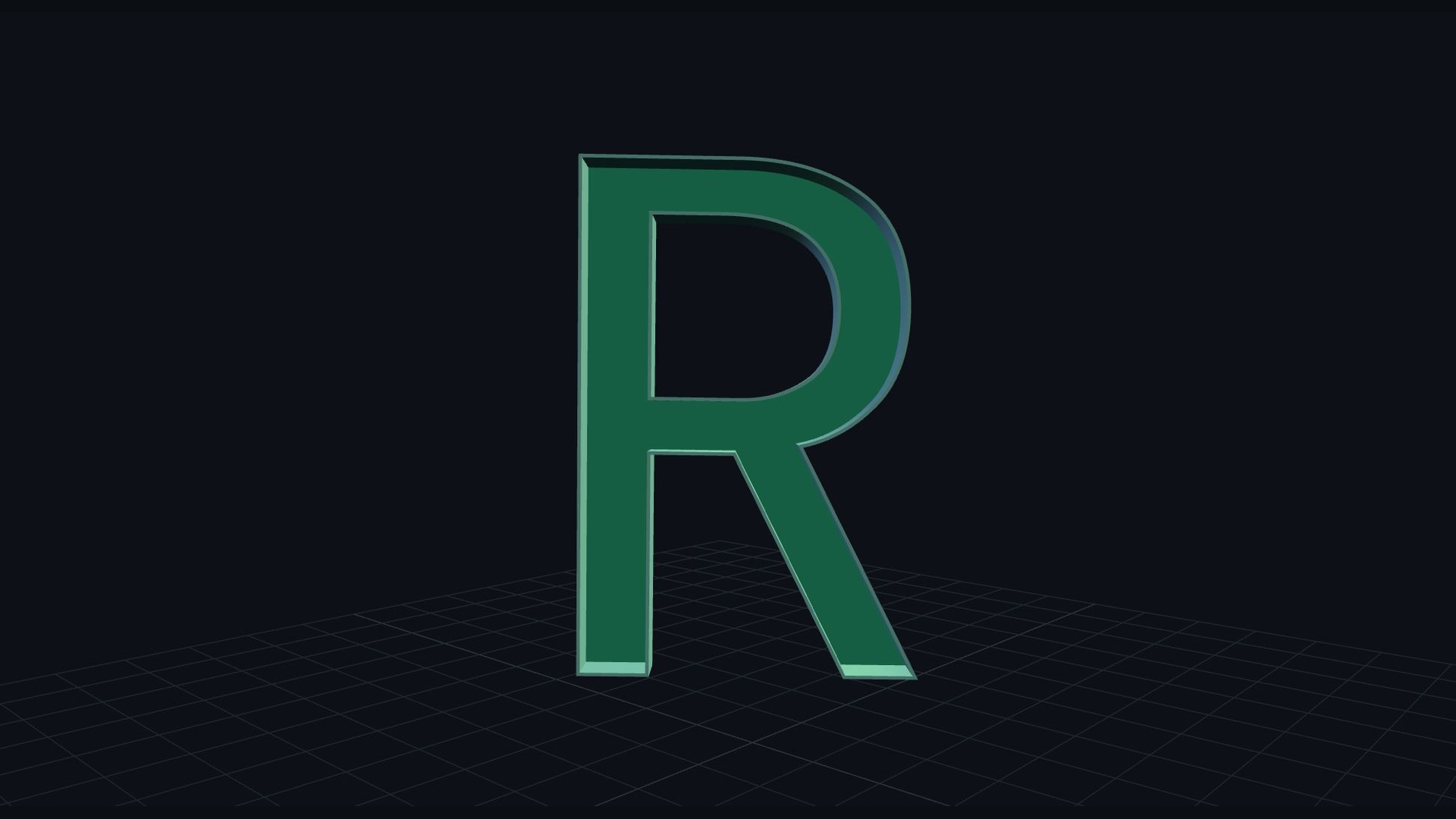
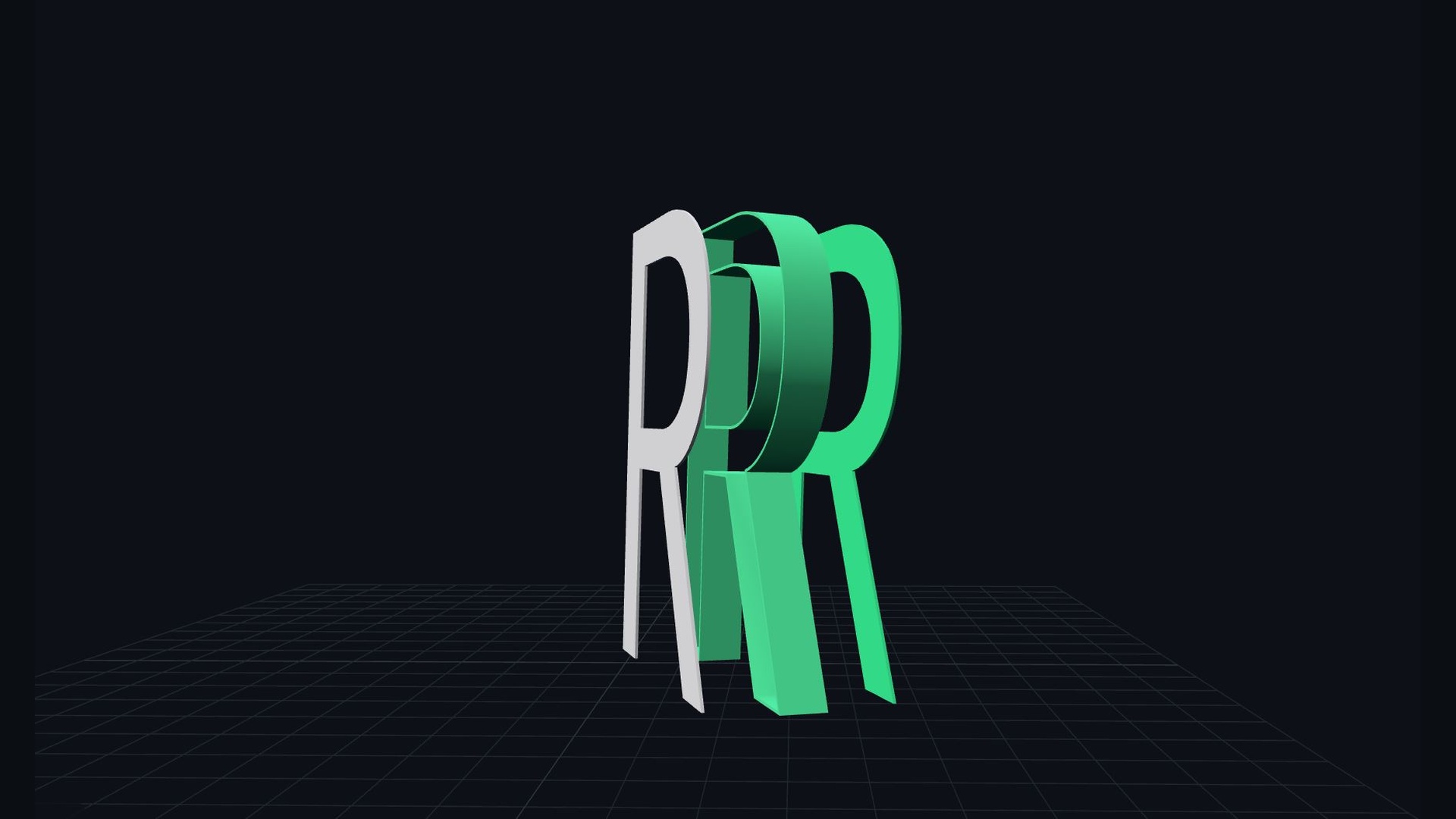
同个模型,多种工艺生产,3D打印,激光切割,亚克力,CNCOne model, multiple processes: 3D printing, laser cutting, acrylic, CNC
侧壁底板一体打印
侧壁底板一体打印Integrated Print: Side Wall + Base
侧壁顶底板一体打印
侧壁顶底板一体打印Integrated Print: Side Wall + Top + Base
顶板DXF激光切割
顶板DXF激光切割Top Plate DXF Laser Cutting
顶-底板DXF激光切割
顶-底板DXF激光切割Top & Base DXF Laser Cutting

常见问题Frequently Asked Questions

关于 Letshell3D 的常见疑问Common questions about Letshell3D

Letshell3D 是一款 3D 字壳生成器,将文字或 SVG 图形快速转换为可 3D 打印的立体字壳模型,适用于灯箱字、标识牌、亚克力字等广告标识制作。Letshell3D is a 3D shell letter generator that turns text or SVG shapes into 3D-printable shell models, ideal for light box letters, signage and acrylic sign making.
可以。导入单色 SVG 文件或直接输入文字,生成器会提取轮廓并自动生成带厚度的立体字壳模型。Yes. Import a single-color SVG or type text directly; the generator extracts the outline and builds a solid shell model automatically.
可以。可导出整体或分件 STL 文件,兼容主流切片软件与 3D 打印机。Yes. Export whole or split STL files compatible with mainstream slicers and 3D printers.
可以。支持导出外 / 内边线 DXF,可直接用于激光切割、CNC 雕刻等加工流程。Yes. Export outer/inner outline DXF for laser cutting, CNC engraving and similar workflows.
支持壁厚、包边宽度、底板厚度、卡槽等精细参数,所有调节实时预览,所见即所得。Wall thickness, edge width, base thickness and grooves — all adjustable with real-time preview, WYSIWYG.
不需要。生成器在浏览器中直接运行,打开网页即可使用,无需安装任何 CAD 软件。No. The generator runs directly in your browser — just open the page, no CAD software needed.
根据会员页面提示进行激活码购买,在生成器的会员激活入口输入即可解锁会员功能。After purchase, you receive a license key by email; enter it in the activation panel to unlock member features.
有。非会员有3天免费版使用期,使用期间可体验全部高级功能,到期后部分高级参数与导出功能需激活会员后使用。Yes. The free version covers basic generation and preview; some advanced parameters and export options require an activated membership.